Office Insights
Last updated: October 28, 2026
This article explains the key figures of the original Office Insights (V1.0). 💡 We recommend using the new Office Insights, as they provide more accurate figures (see Office Insights 2.0).
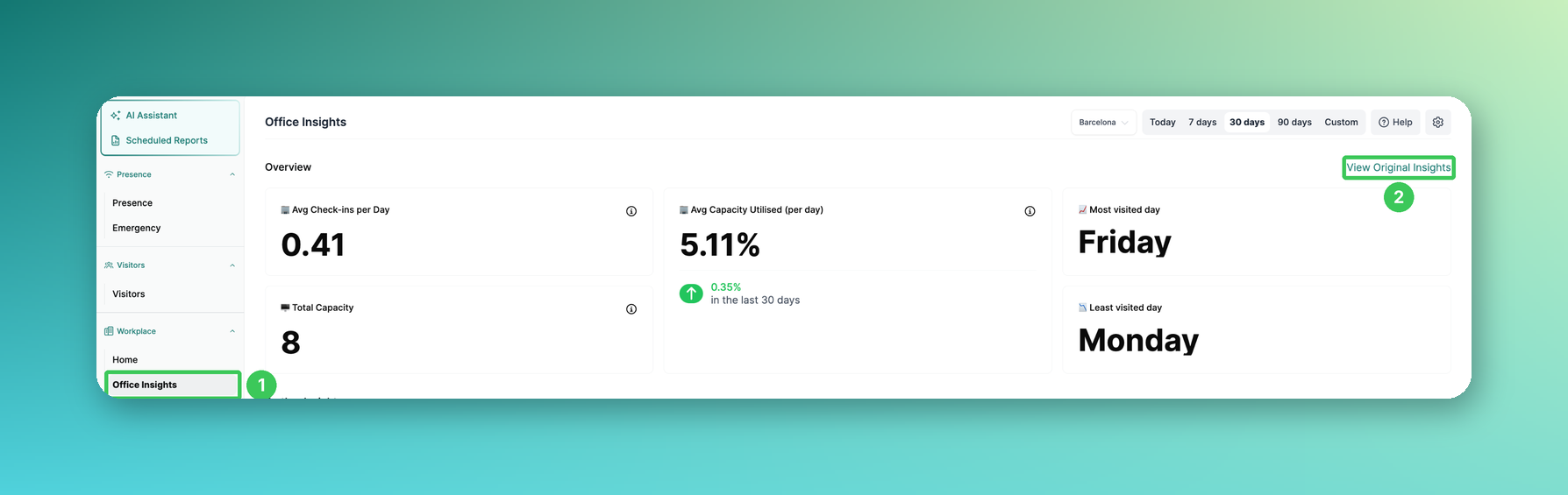
1. Office Insights
In the PULT dashboard, go to Workplace → Office Insights.
2. View Original Insights
Click View Original Insights at the top right.
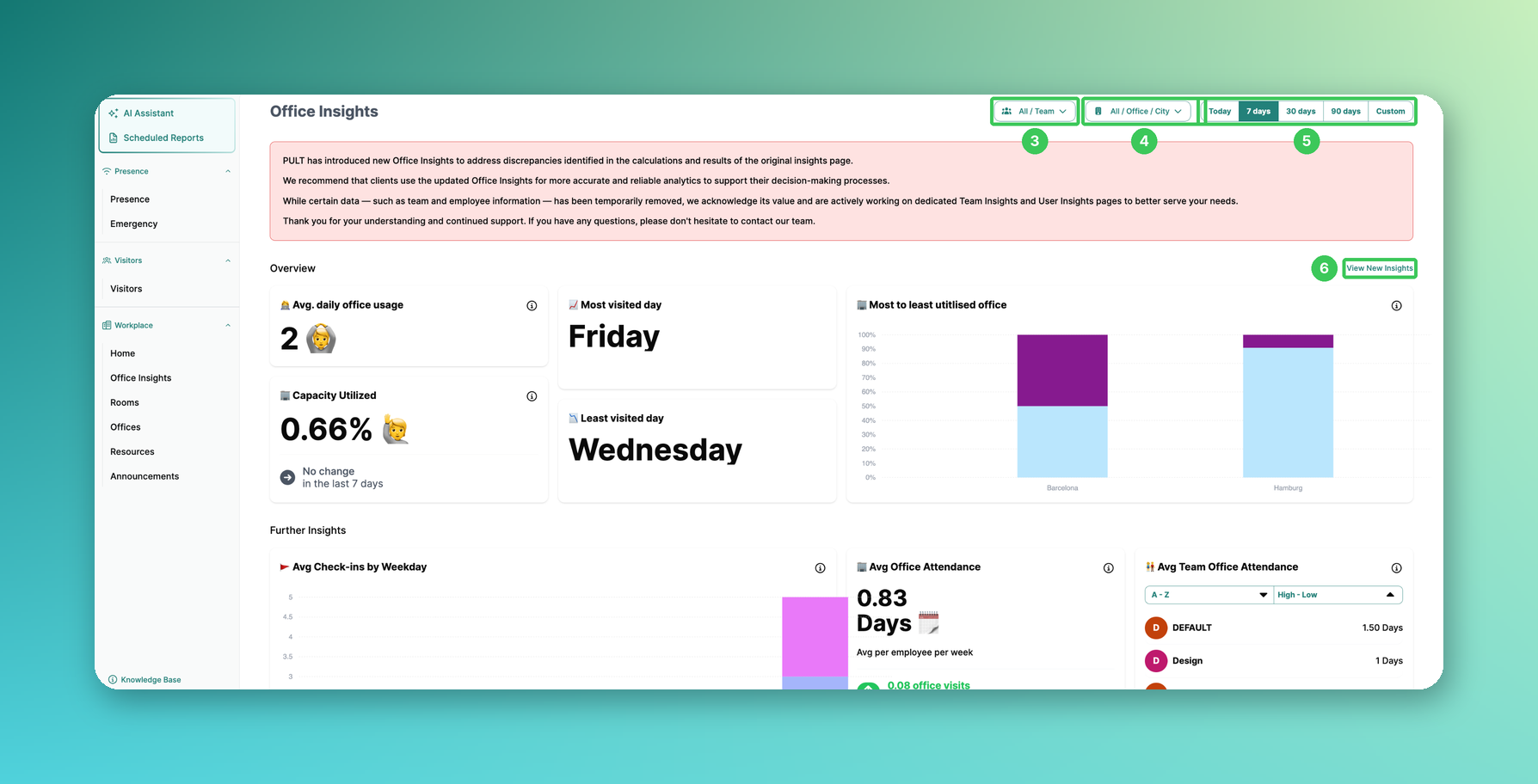
3. Team filter
Show data for all employees or single teams.
4. Office filter
Show data by office, floor or city.
5. Time period
Choose Today, 7 days, 30 days, 90 days or Custom.
6. View New Insights
Takes you back to the new Office Insights.
📌 Note: As described in the red banner, certain data (e.g. team and employee information) has been temporarily removed. Some of the key figures below may therefore no longer be visible.
Key figures
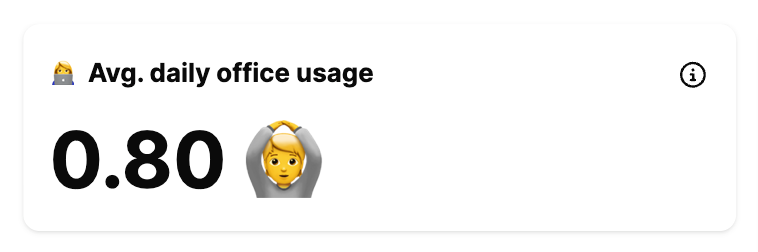
Avg. daily office usage
The average office attendance on working days.
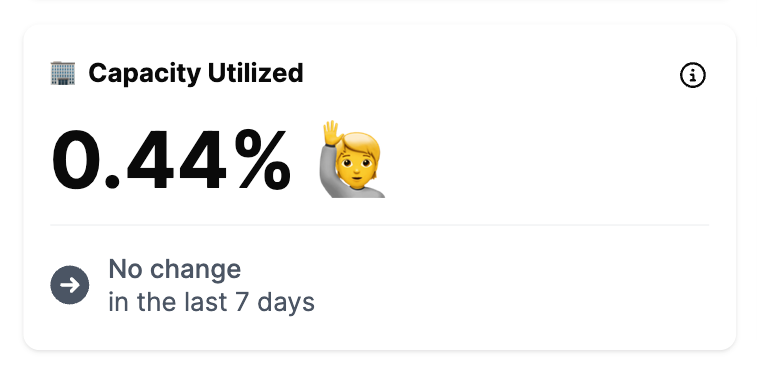
Capacity utilised
The percentage of office capacity used, plus the change compared to the previous period.
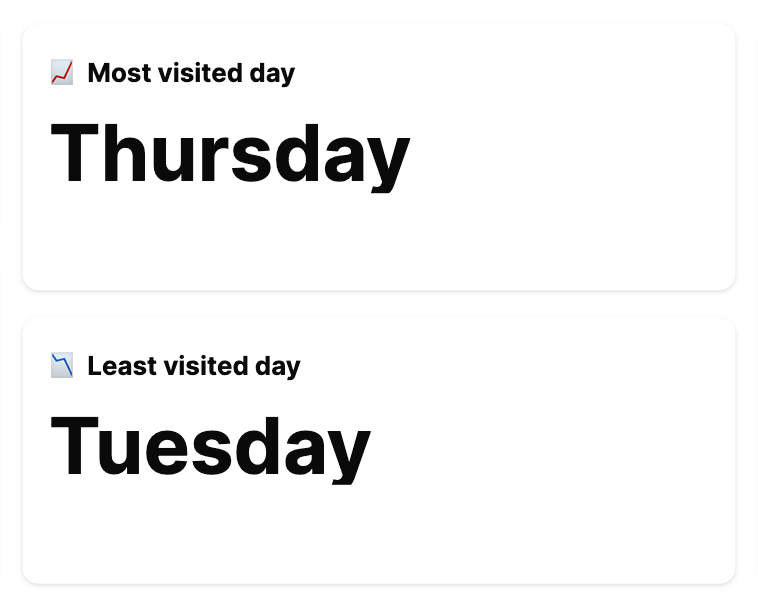
Most and least visited days
The days with the highest and lowest attendance.
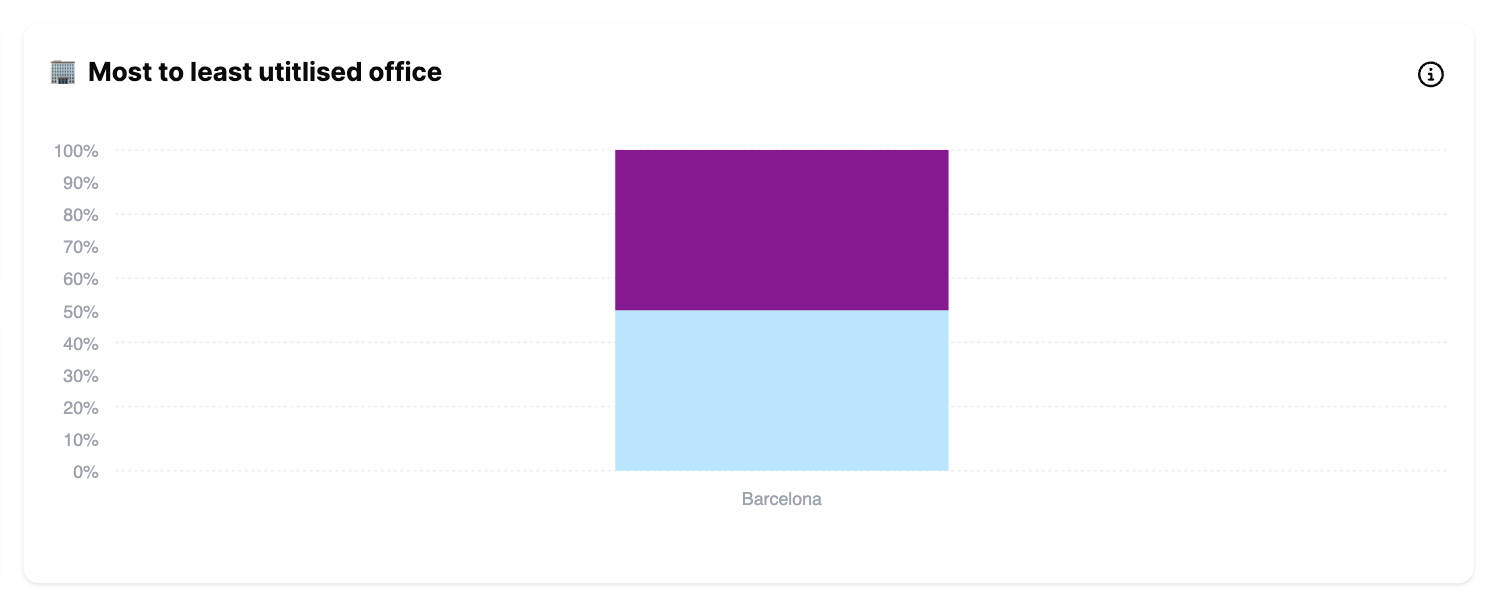
Most to least utilised office
Which offices or floors are most in demand.
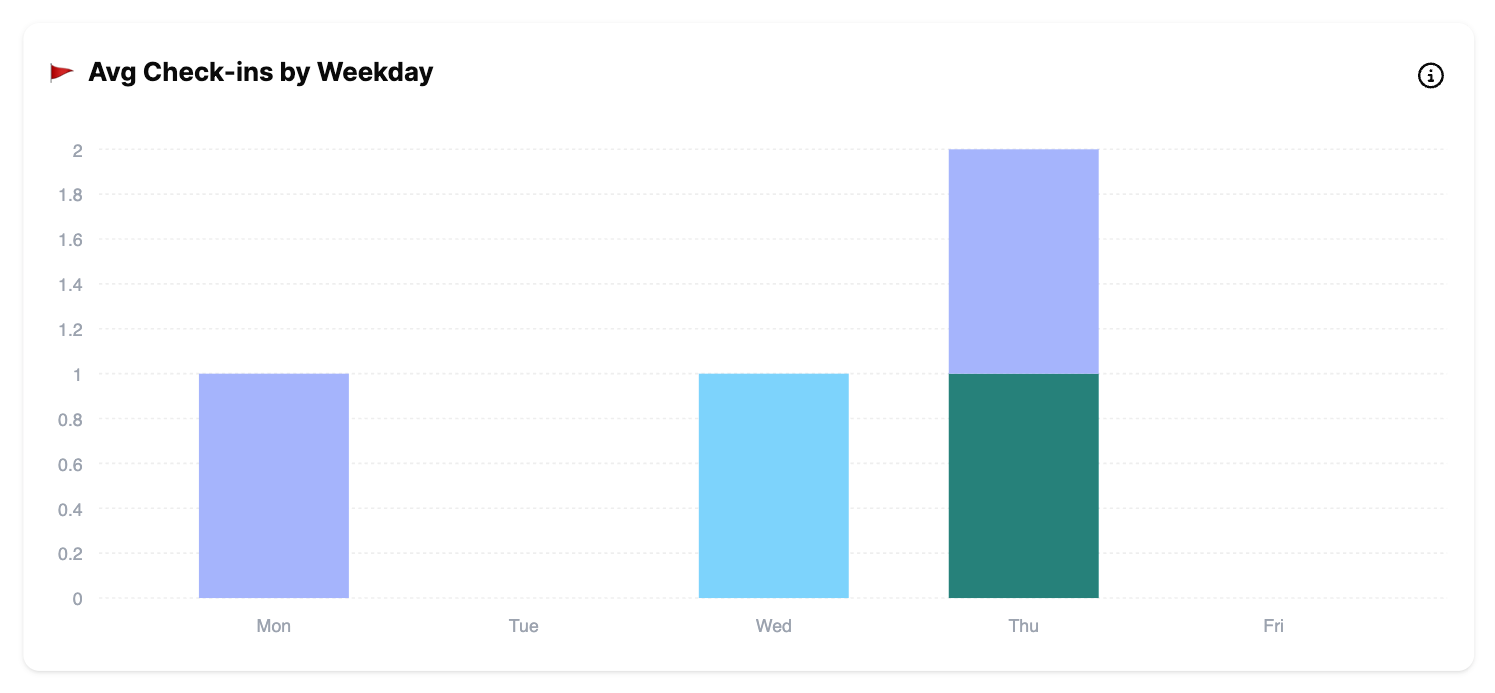
Avg check-ins by weekday
Office visits per weekday, broken down by team.
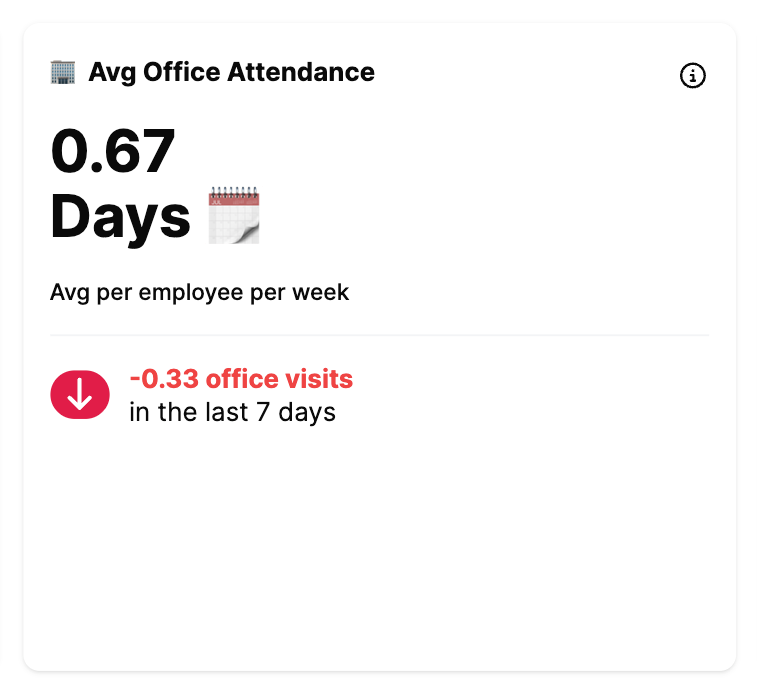
Avg office attendance
How often employees visit the office on average per week.
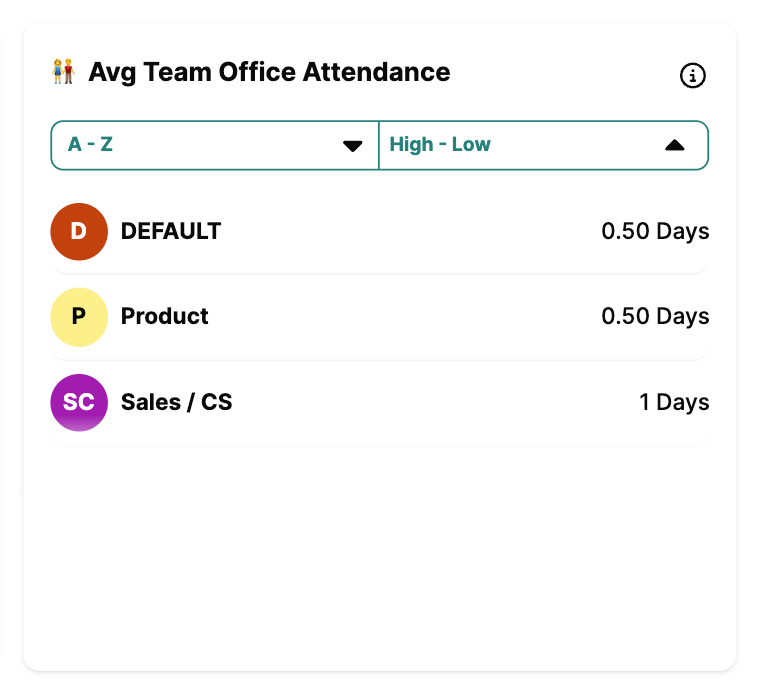
Avg team office attendance
The average office attendance per team.
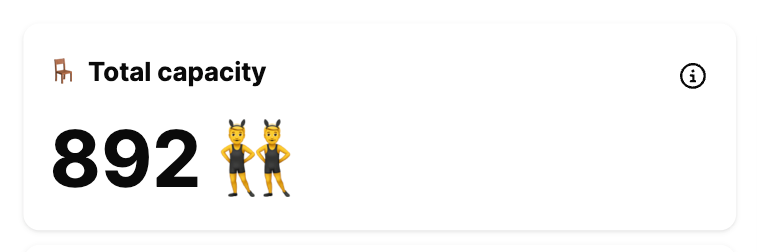
Total capacity
The number of desks in all selected offices.
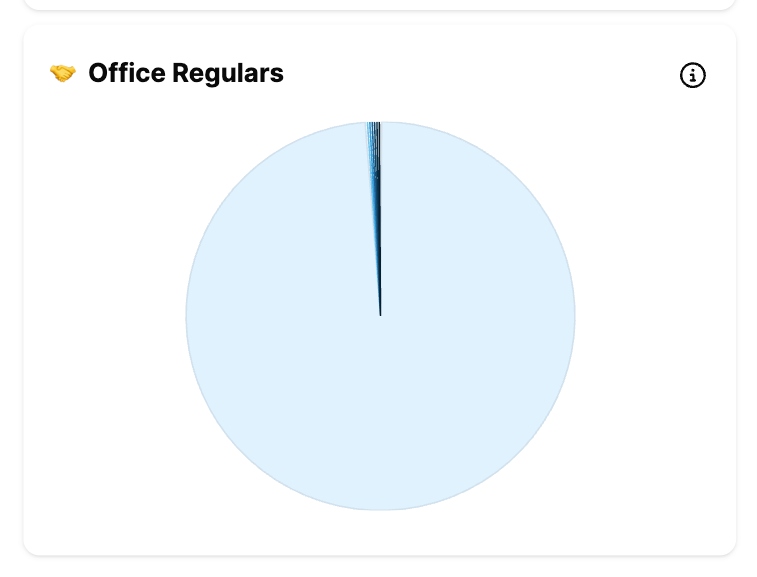
Office regulars
Groups your employees by how often they come to the office.
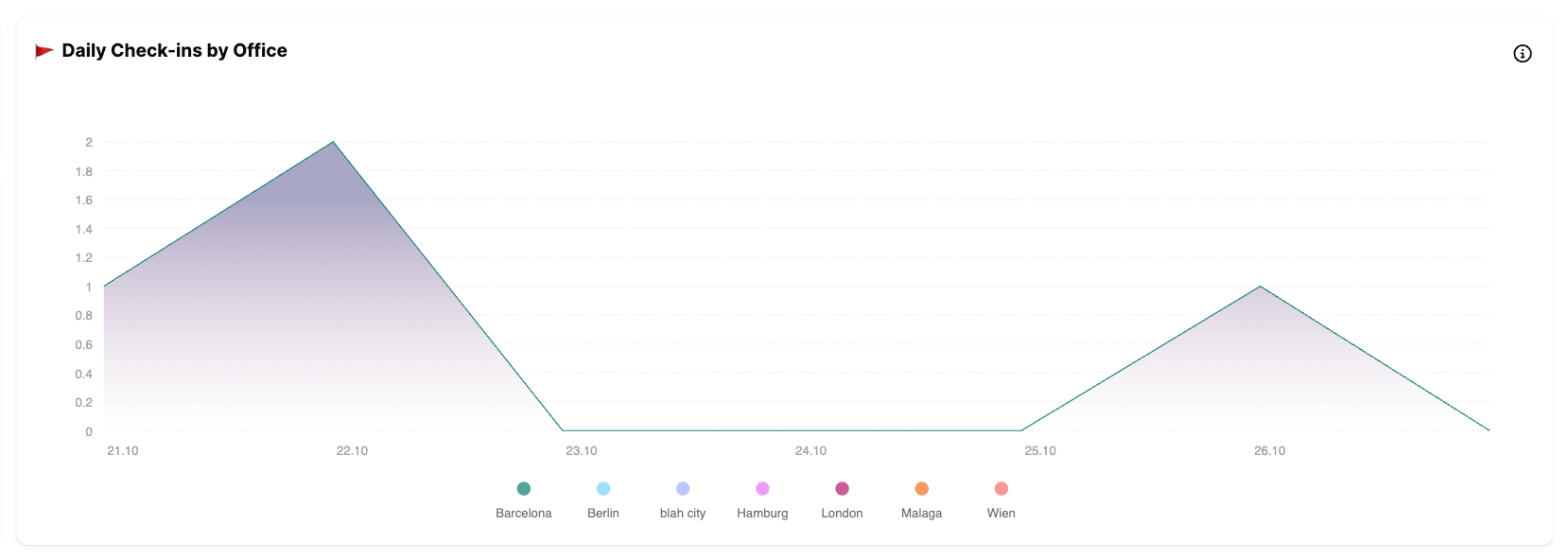
Daily check-ins by office
Check-ins per day and office.
Office usage
Average occupancy by office and floor.

Frequently asked questions
Which version should I use?
The new Office Insights – they fix discrepancies in the calculations of the original version (see Office Insights 2.0).
Can I export the data?
Yes, see Export your PULT bookings.
Related articles
If you have any questions, feel free to contact our support team at support@pult.com.