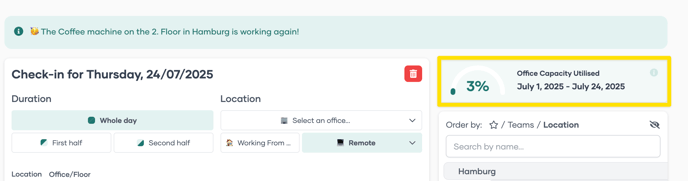
Office Utilisation Stats on your Homepage
Last updated: December 5, 2025
Every employee can now view the company's average office utilisation from the start of the month up to today—directly on the PULT Home Page.
If you want to keep track of how your office space is being used and provide more transparency to the company, please follow the below steps:
1. Log into your Dashboard https://dash.pult.com
2. Click on Settings/Company/Privacy Settings
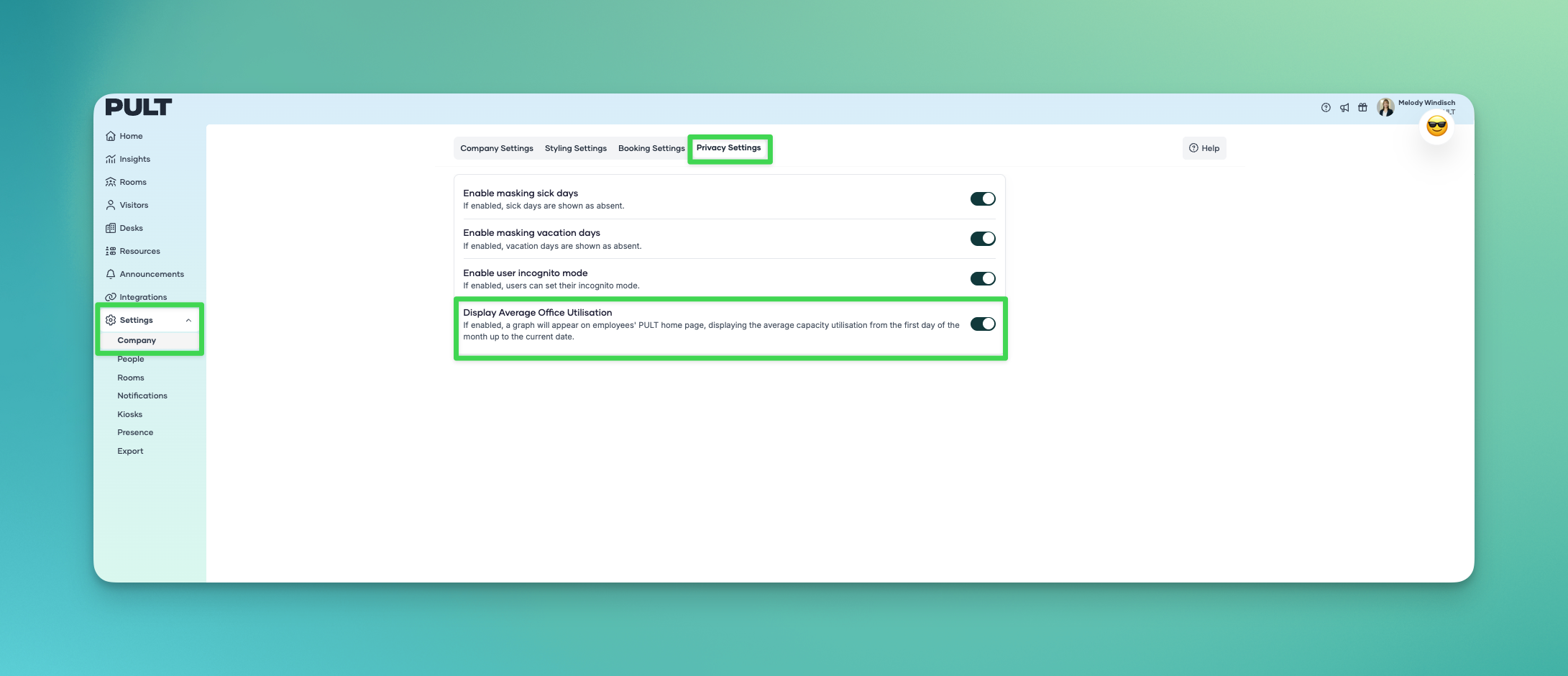
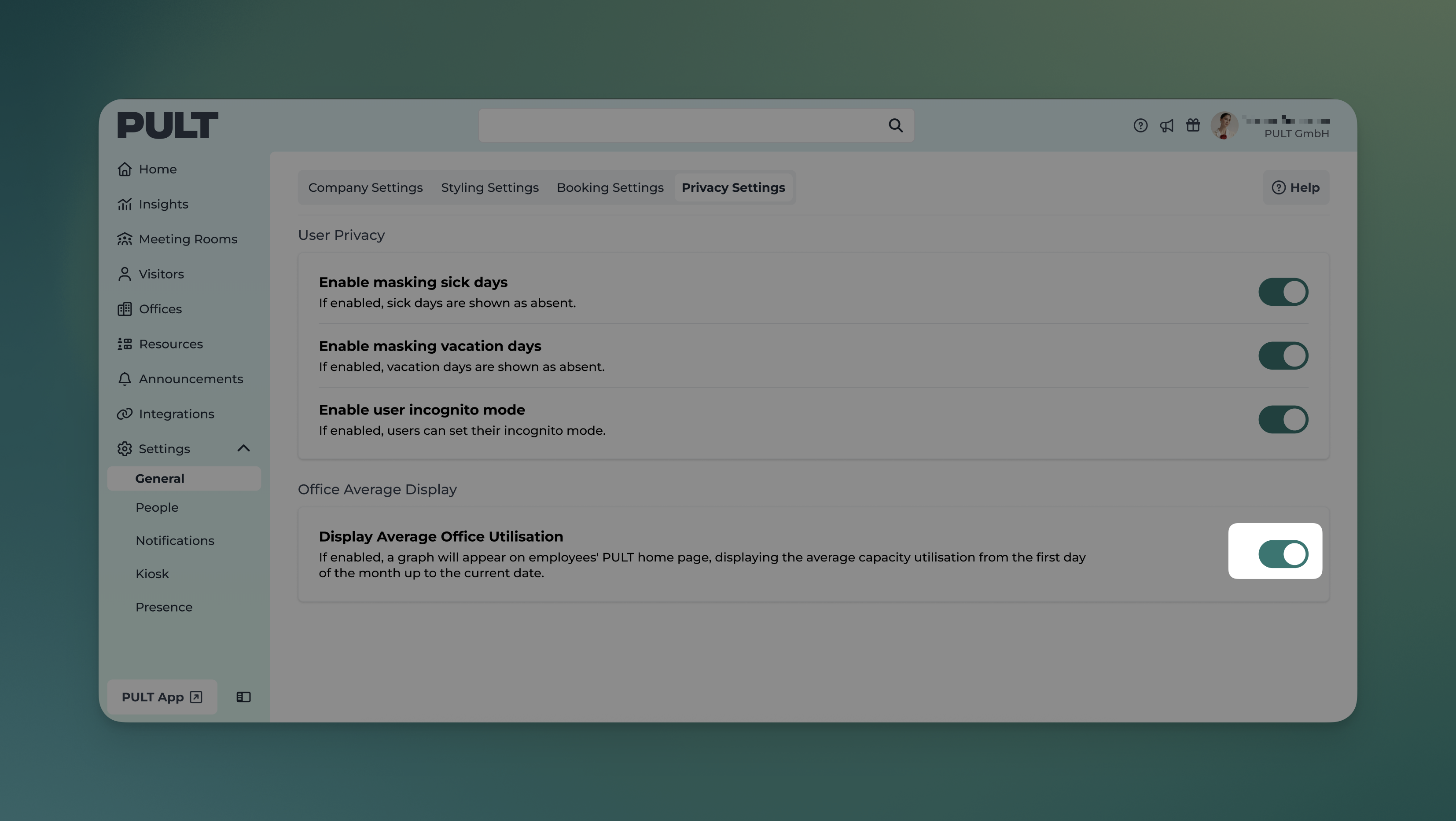
3. Scroll down and toggle on the "Display Average Office Utilisation" Option
Now you can see the utilisation % in your PULT App.