Office Insights 2.0
Last updated: December 8, 2025
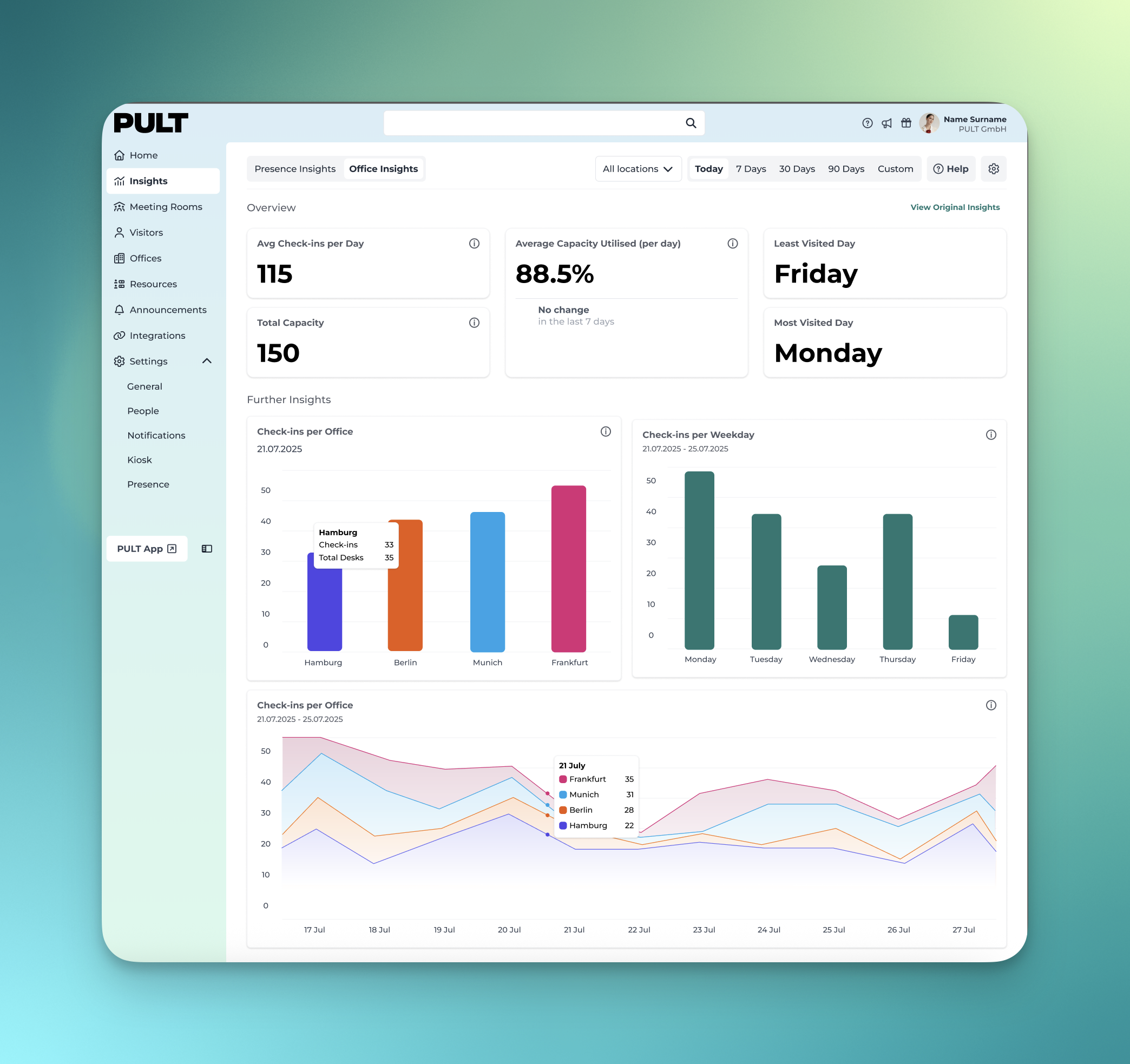
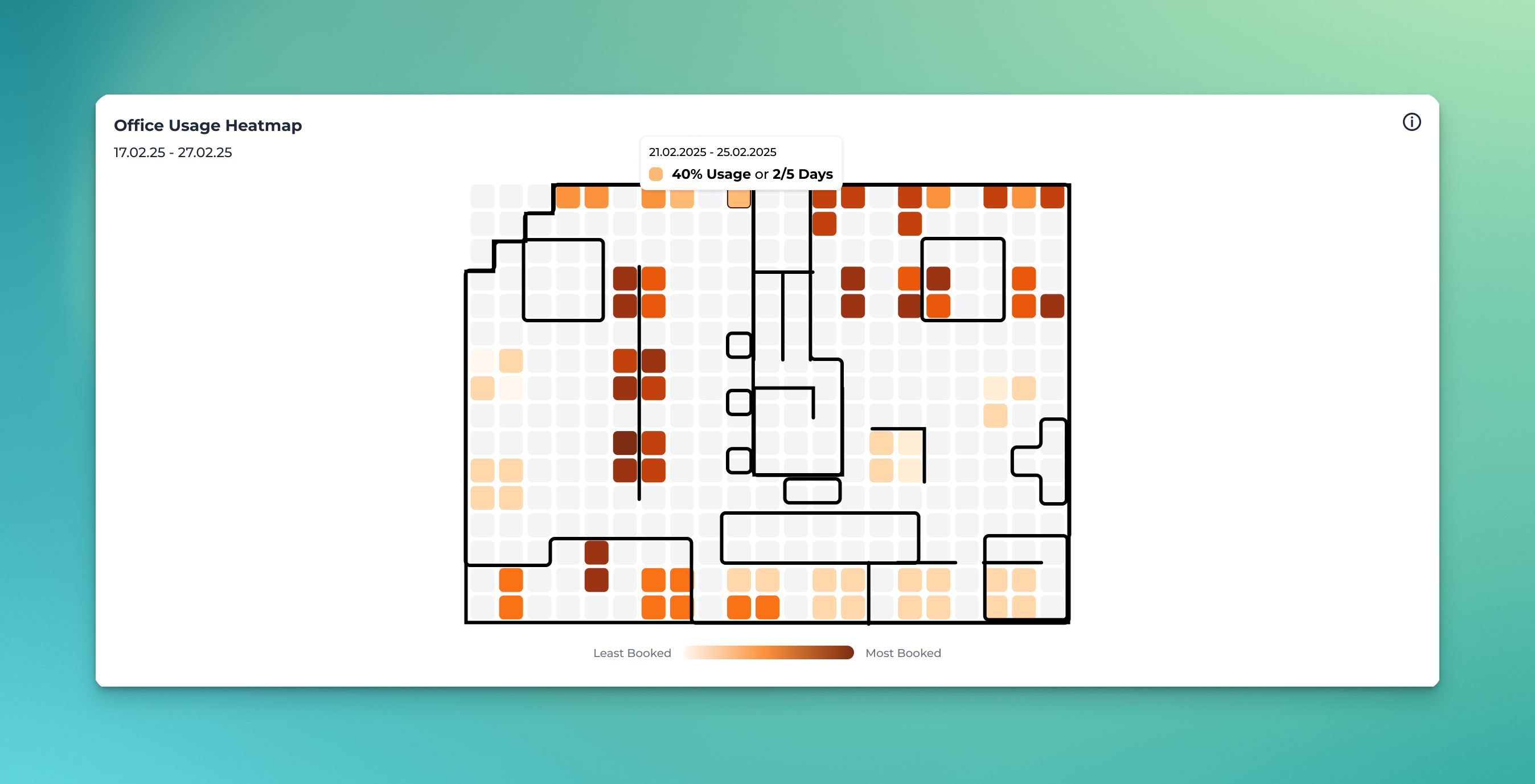
Heatmap in "Office Insights"
Overview
Within Office Insights, a heatmap is available to visualise how frequently each desk has been booked during a selected time period. This helps administrators understand office utilisation and booking patterns at a glance.
Accessing the Heatmap
The heatmap is displayed directly on the Office Insights page. Once an office is selected, its floorplan appears, and each desk is shown in a shade of red based on how often it was booked during the chosen timeframe.
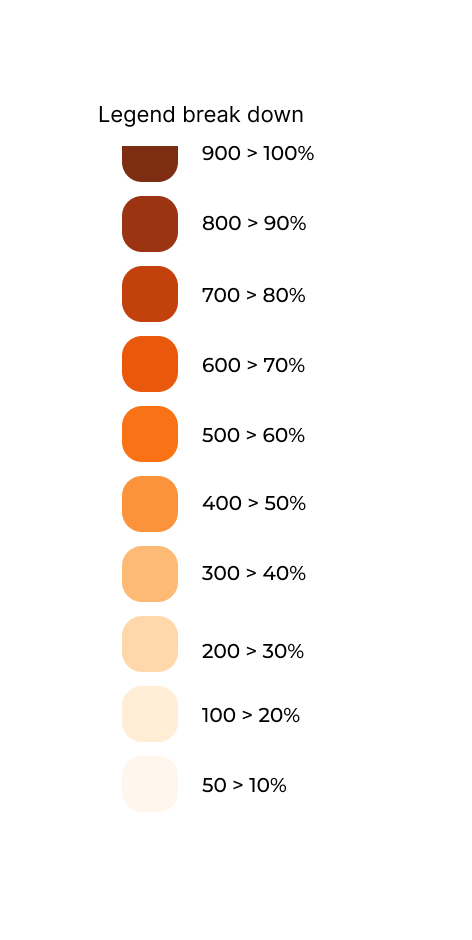
Colour Coding of Desks
Each colour corresponds to a specific percentage range of usage.
A legend provides the exact breakdown of colour-to-usage percentages.
Desk Details
When hovering over or clicking a desk a pop-up window appears showing:
the selected date range
the percentage of usage during this period
the number of days the desk was booked
only working days are included in the calculation
Filters
The heatmap filter is directly connected to the main date filter at the top of the page. Changing the date range updates the heatmap accordingly.
When more than one office is selected, the following message is displayed:
“Please select one office to view the heatmap.”