How to enable the Monthly Team Report
Last updated: November 12, 2025
In this article you can find a guide on how to enable the Monthly Team Report.
This report will be sent to Team Leads only.
1. Please log into https://dash.pult.com
2. Click on "Settings/Notifications/Email Settings"
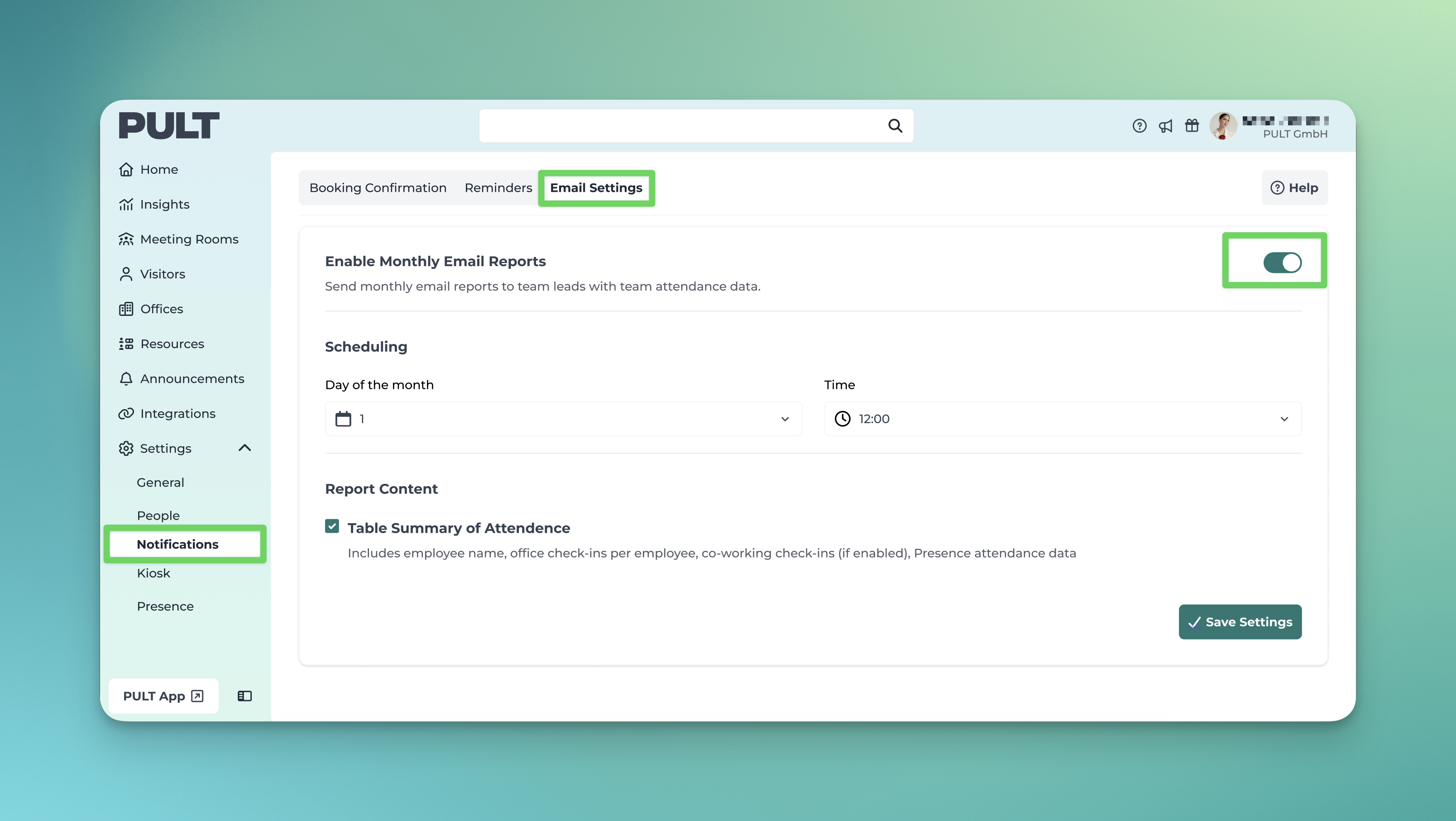
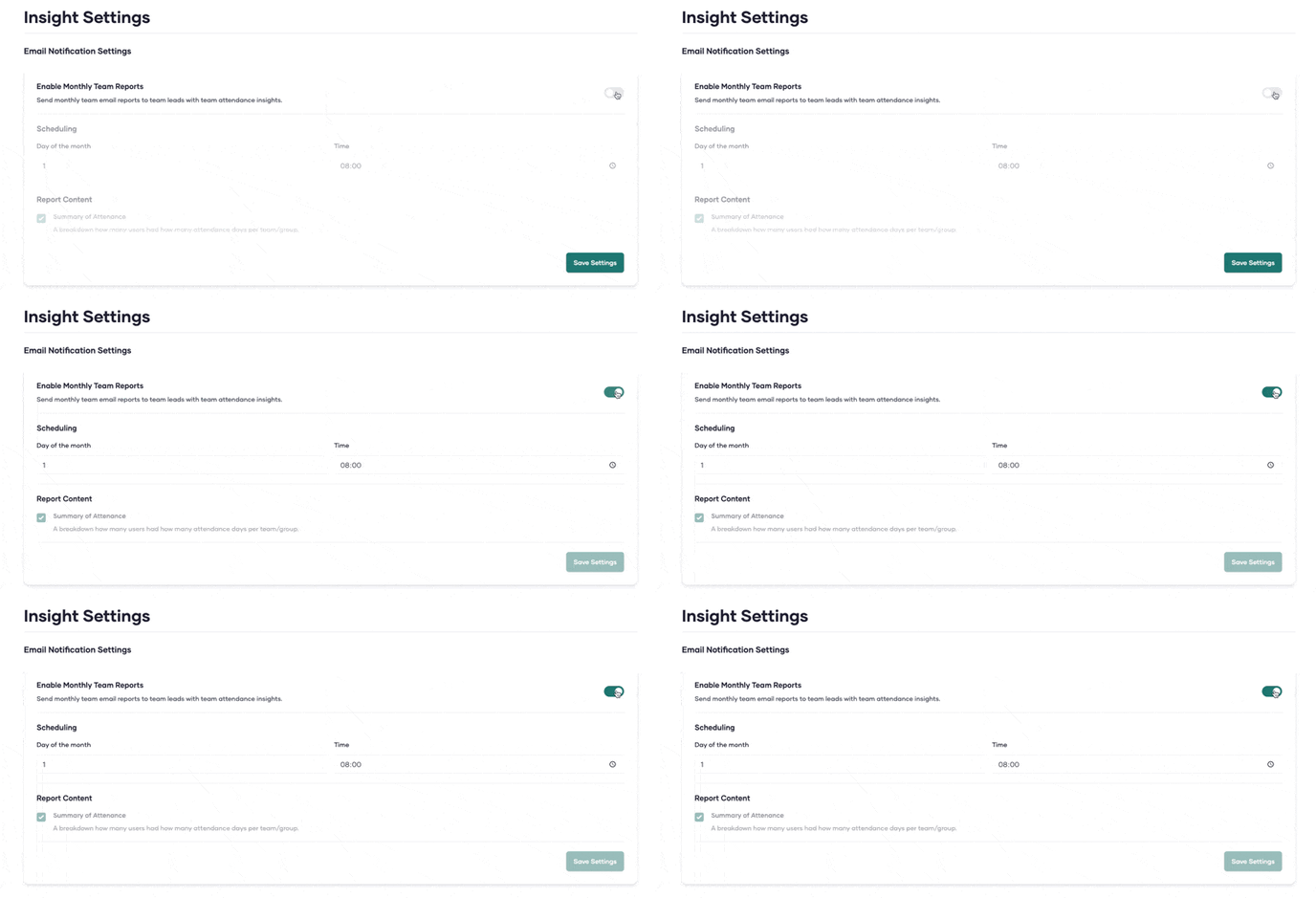
3. Enable the Monthly Team Report by clicking on the toggle
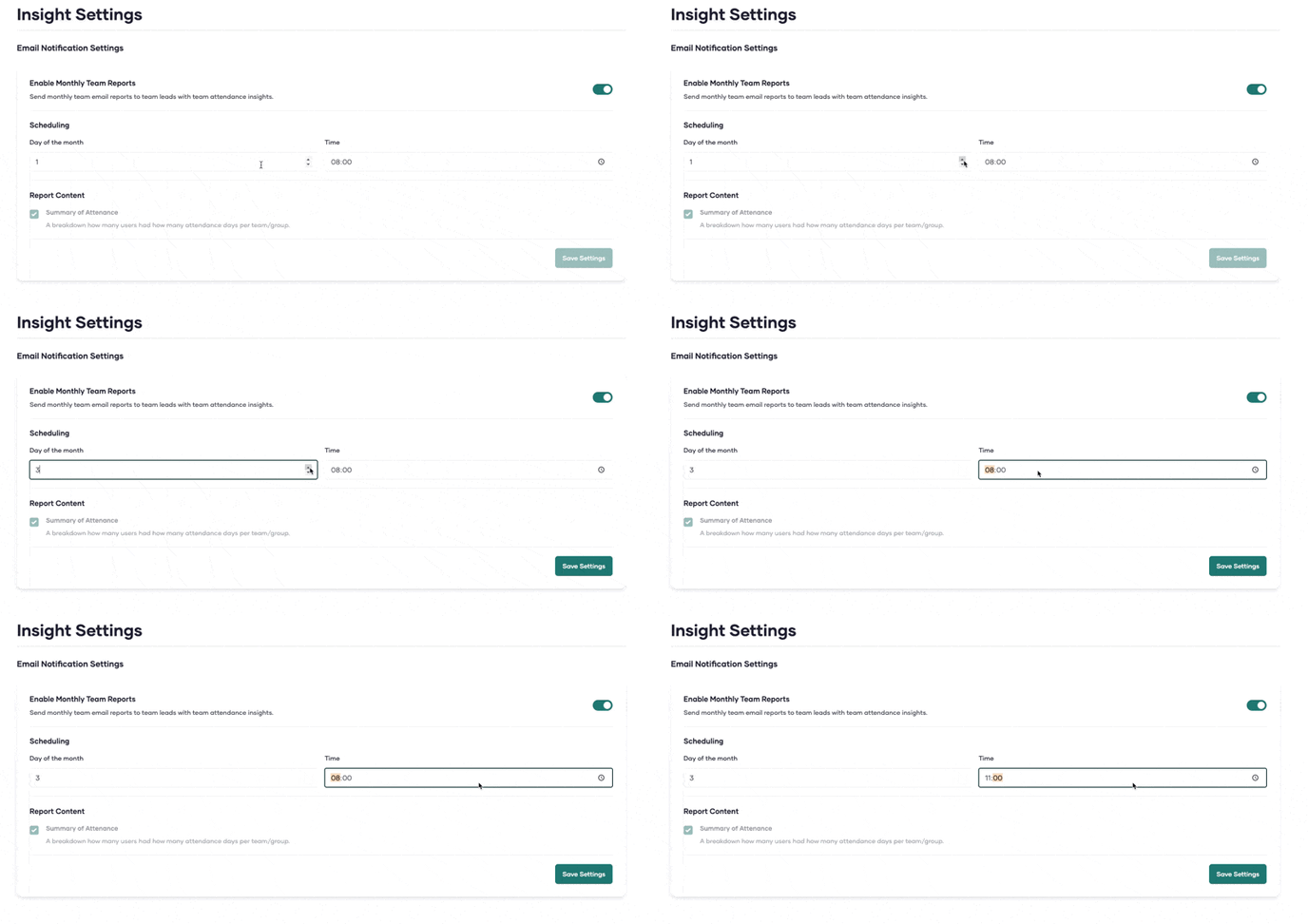
4. Type in the Date and Time on which you'd like to receive he report
5. Click on "Save"
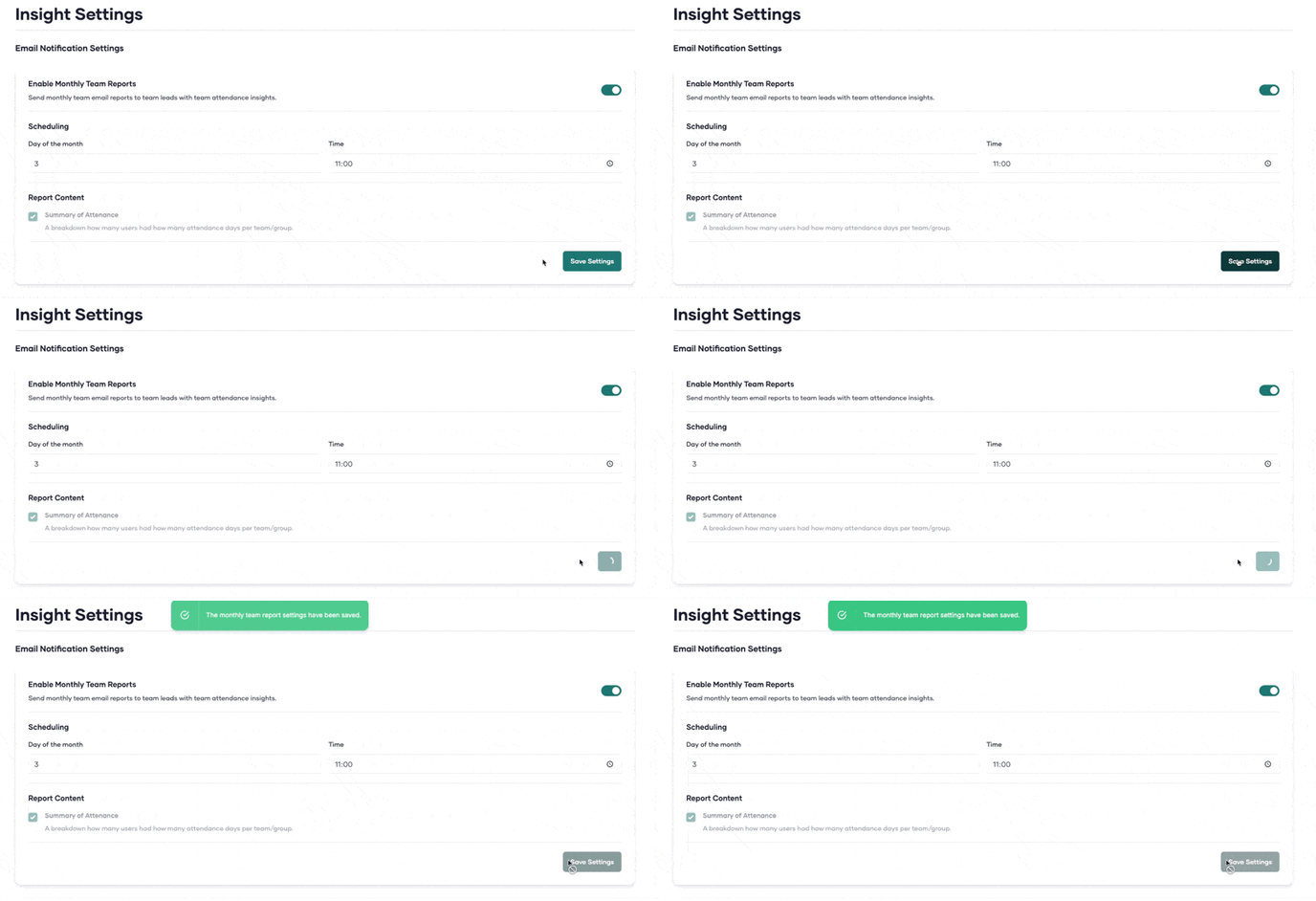
Now you will receive an E-Mail with the Details of your Team's Attendance.
Click here to learn more about reports in Pult.
If any questions come up, please feel free to contact support@pult.com