Edit Floorplan before publishing
Last updated: November 27, 2025
If you want to edit and polish your floorplan before publishing it, you can do so by following this article.
📌 Note: Archiving a floor plan will delete all related bookings.
If you're archiving a floor plan that includes rooms already in use, please export the booking data first to avoid data loss.
1. Log into your PULT Dashboard and go to Desks https://dash.pult.com/organization/offices
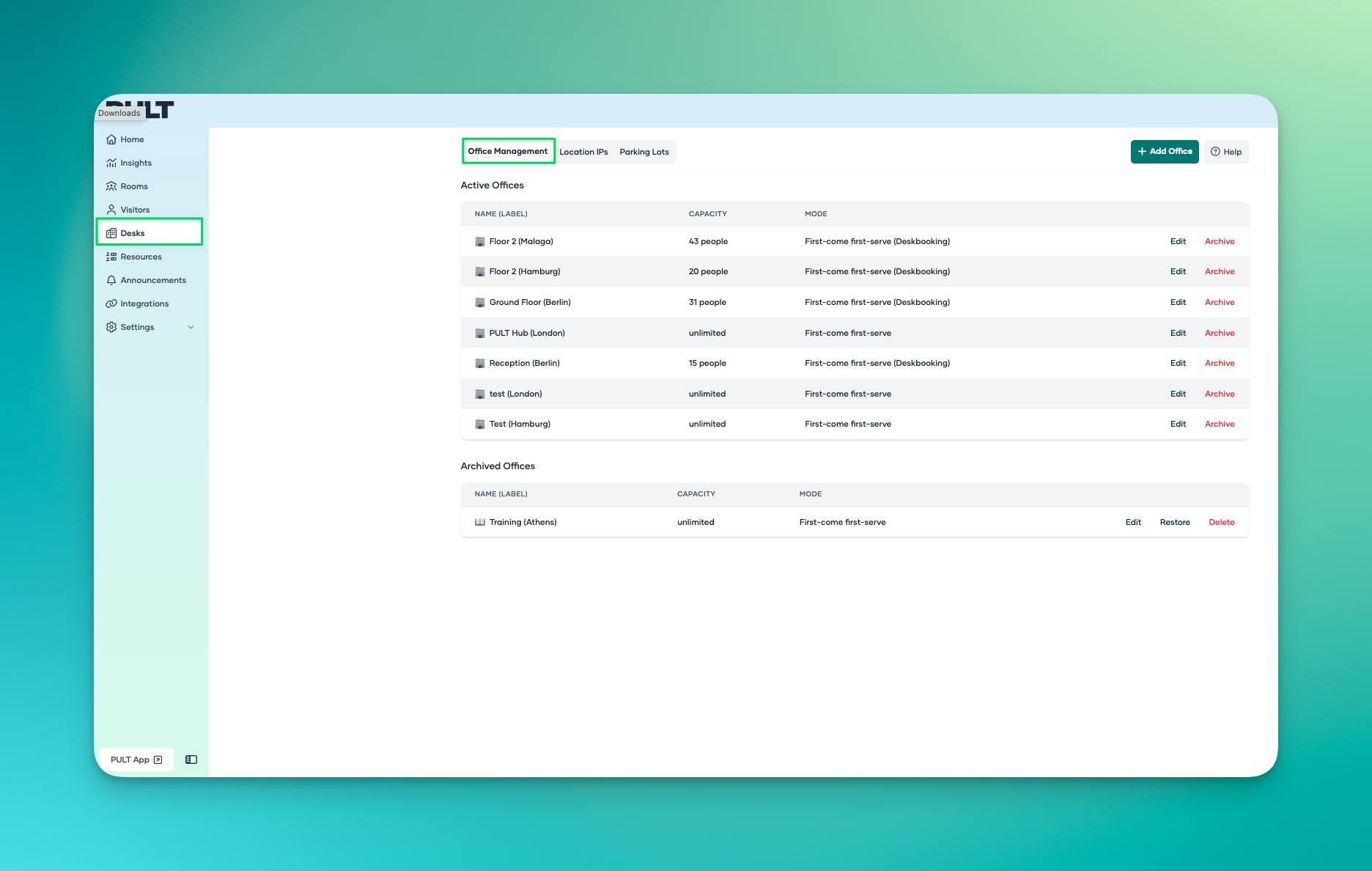
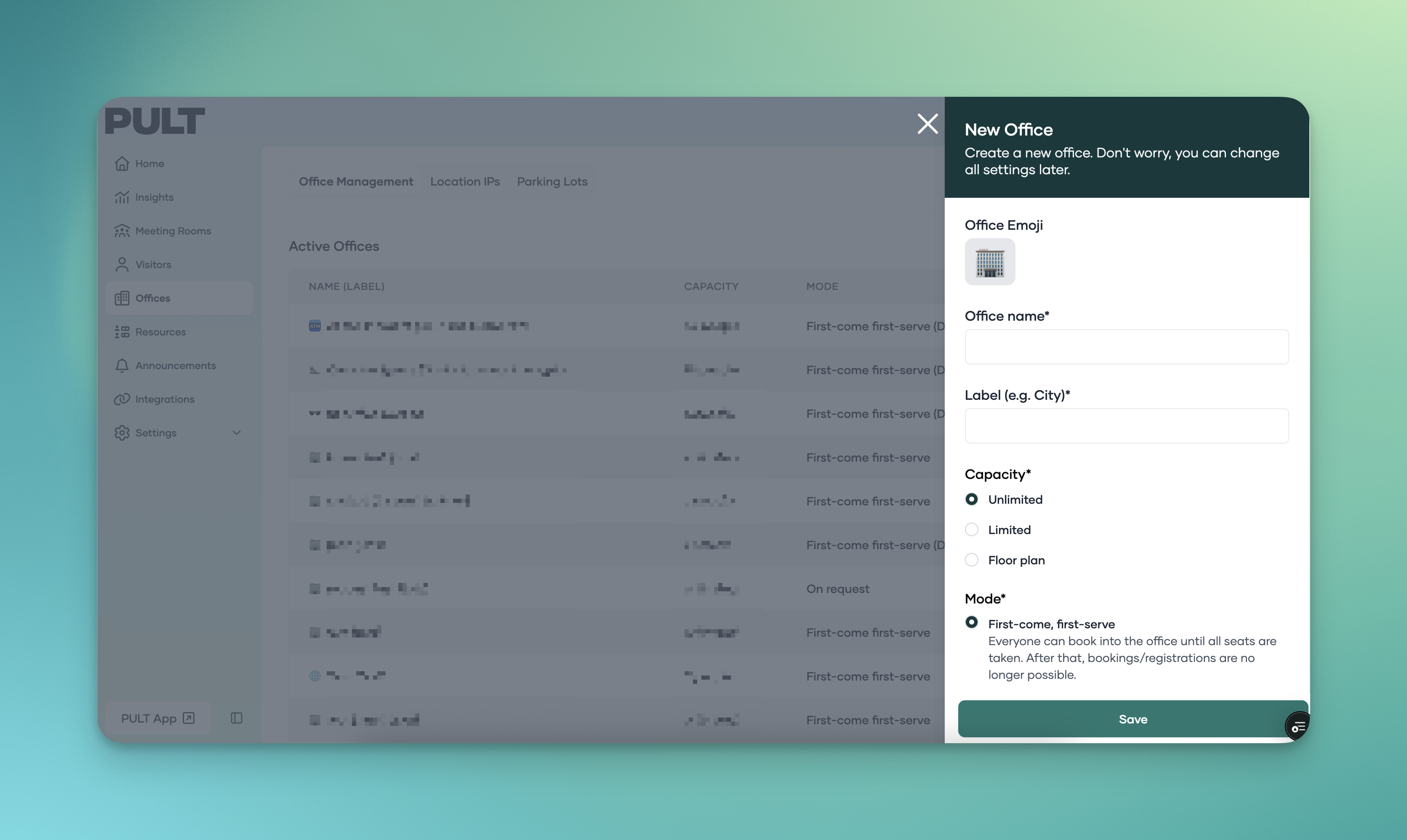
2. Either create a new office by clicking "Add Office" and filling in the details, so you can archive it straight away, or chose one of your archived offices.
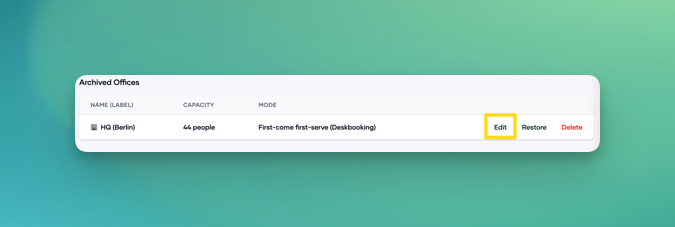
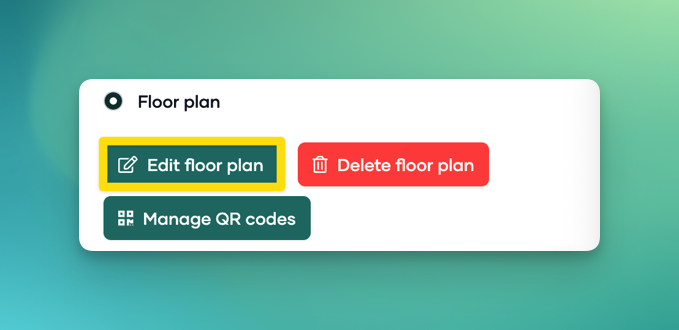
3. Click on "Edit" and then "Edit Floorplan"
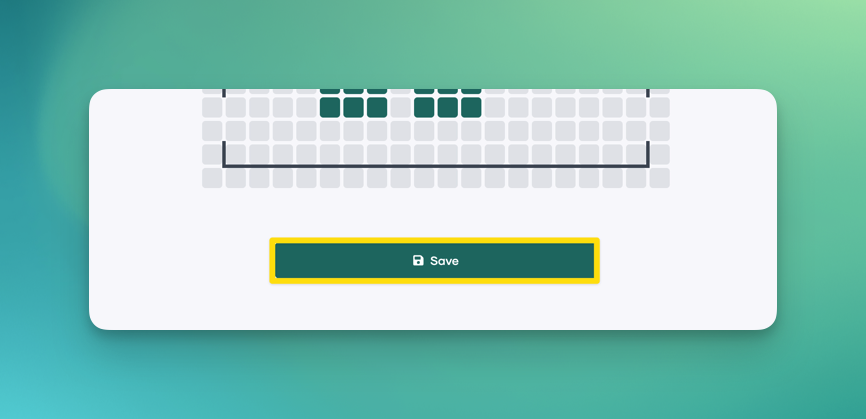
4. Add all your needed modifications and click "Save" on the bottom of your page.
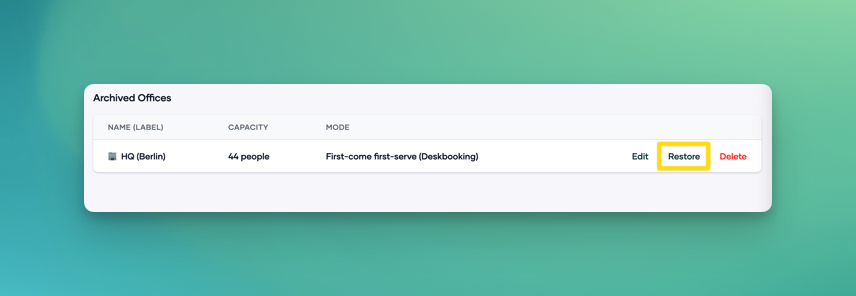
5. Now you can click on "Restore" and your Floorplan will be available to all users.