How do I change my profile picture in Pult?
Last updated: November 7, 2025
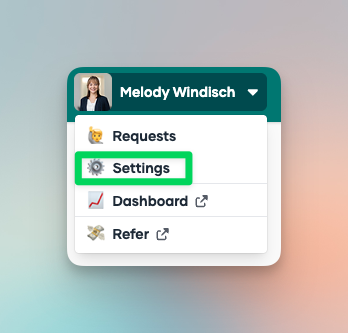
Go to your Settings.
Click on the image next to your name.
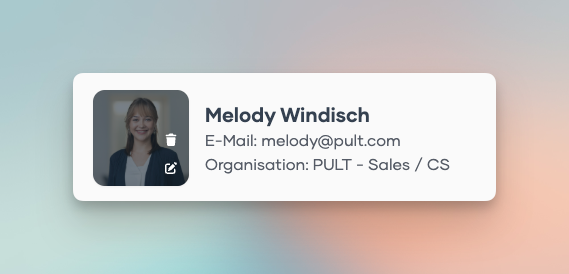
Upload your new picture.
Done — your profile picture is now updated!
Last updated: November 7, 2025
Go to your Settings.
Click on the image next to your name.
Upload your new picture.
Done — your profile picture is now updated!