Change language
Last updated: November 7, 2025
This article will show you how to change the language for your account
Pult chooses the language for your account based on your browser language.
Just follow the steps below if you would like to change the language for your account:
Open the Pult app and click on your profile picture in the top right hand corner, select Settings.
You can use the dropdown menu in the Language section to choose the desired language:
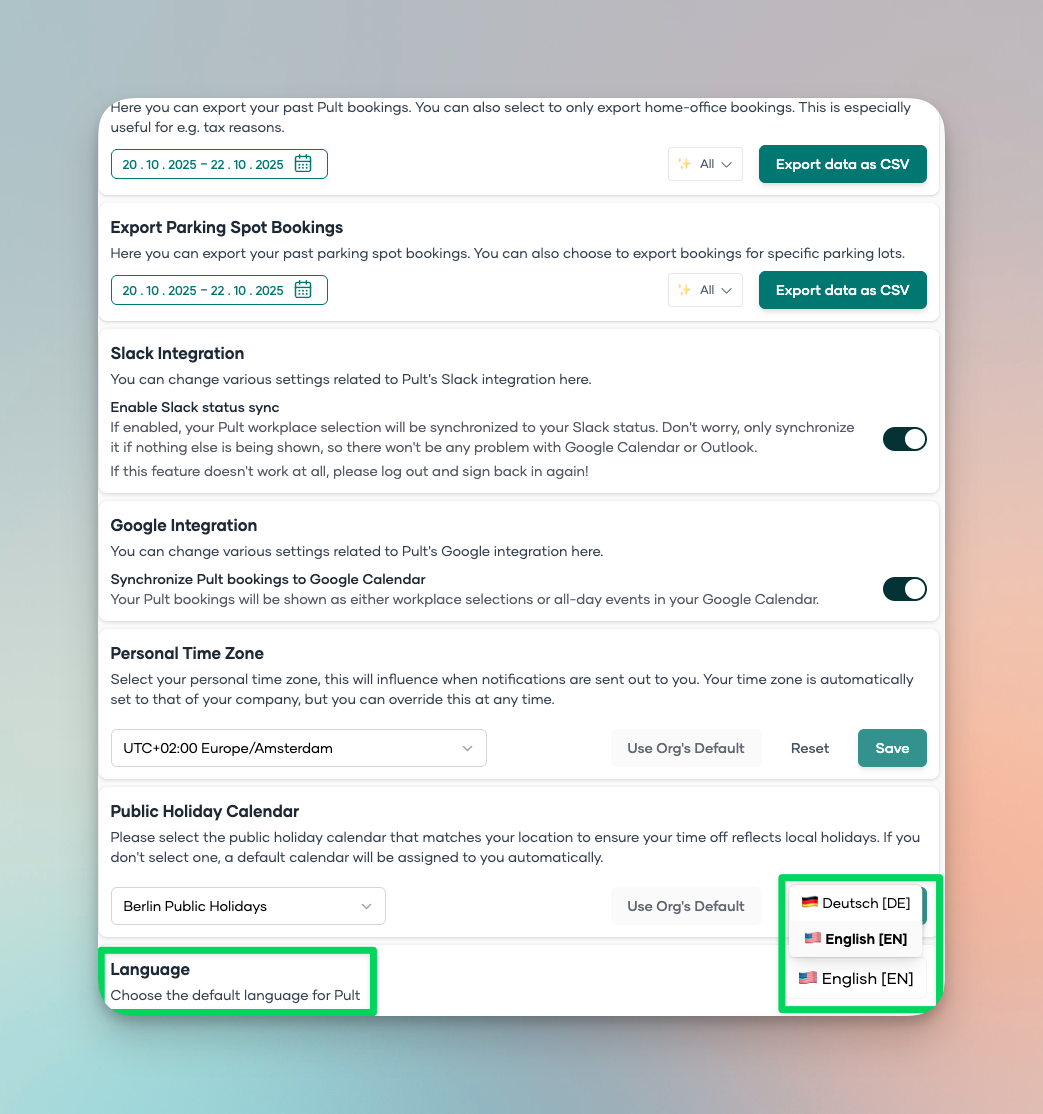
That's it! You've just changed the language for your account.