Dedicated Export Page
Last updated: December 5, 2025
All relevant exports are available in one place for easy reporting and analysis.
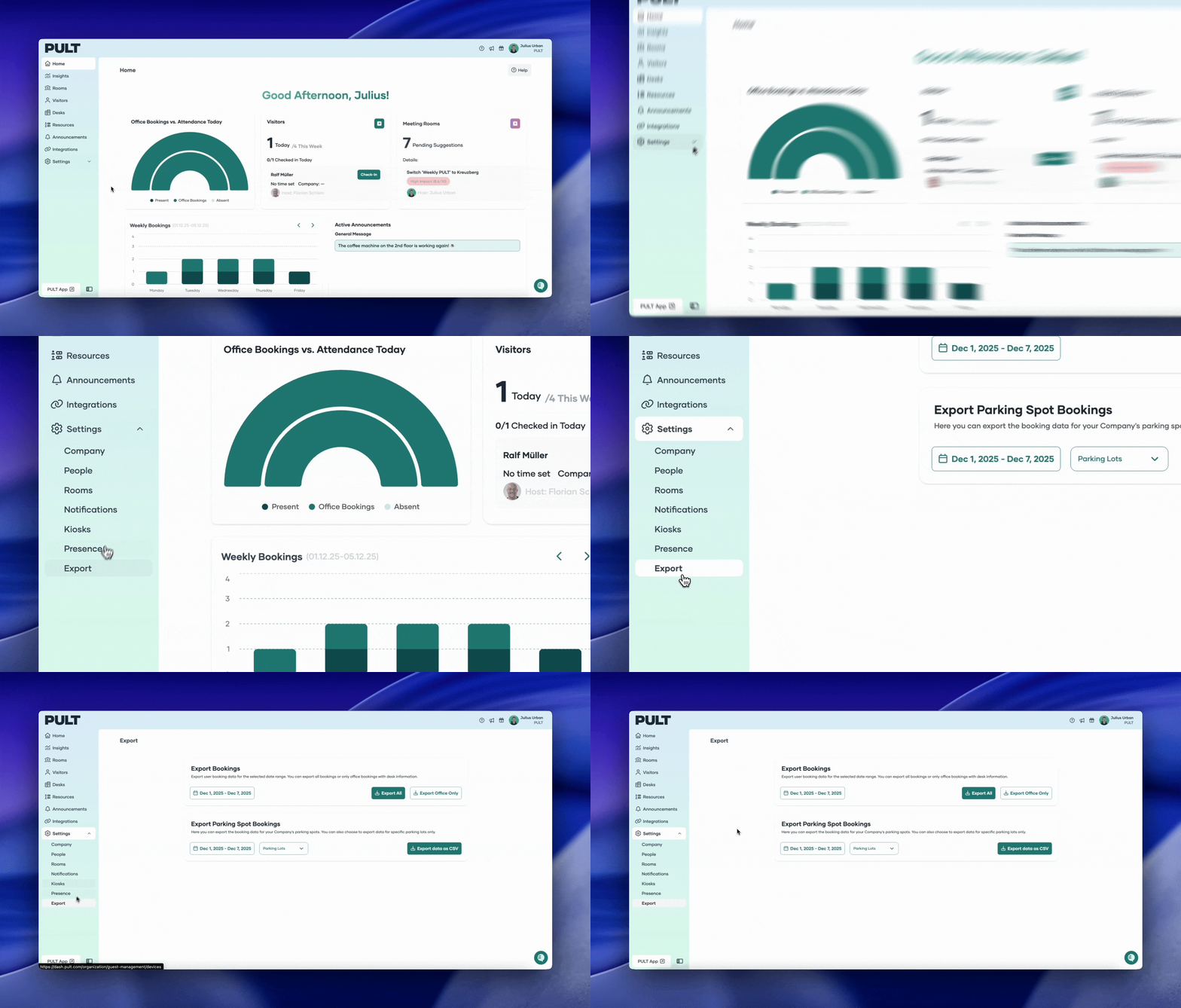
The Export page allows you to quickly download key data as CSV files.
How to download:
Navigate to Settings in the left-hand menu.
Select Export.
On the Export page, you can download the following CSV files:
All Bookings
In-Office Bookings
Parking Bookings
Choose the export you need and download it as a CSV file.