Parking Spaces – From Setup to Usage
Last updated: November 27, 2025
Limited parking is a common challenge for many companies. Pult offers flexible solutions to make parking reservations simple, organized, and efficient.
Option 1:
Set up as a resource and allow a limited number of daily bookings – without assigning specific parking spots.
Option 2:
Creating a Personalized Parking Area
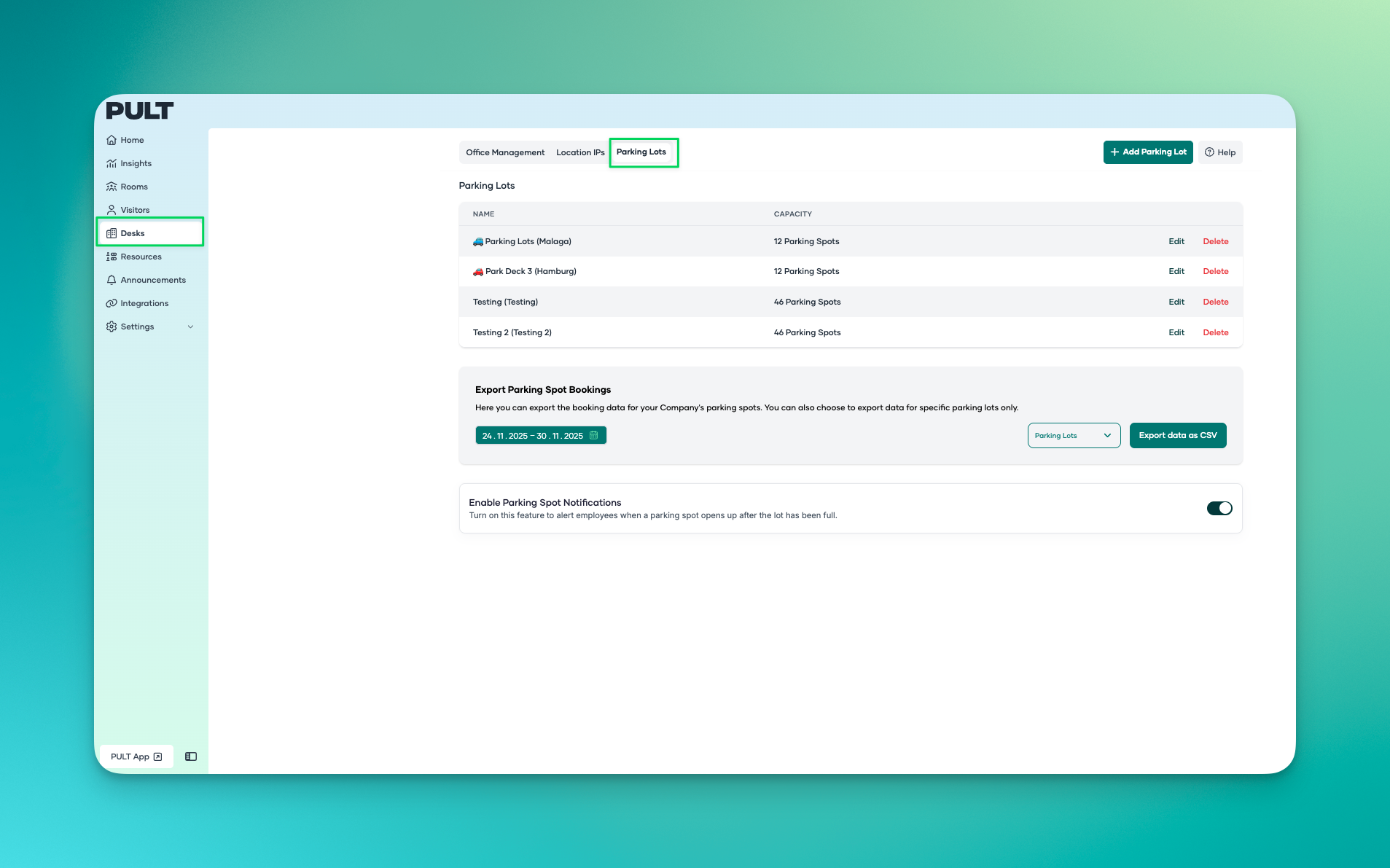
In the dashboard, go to “Desks/Parking Lots” and click “Add parking lot” to create a new parking space.
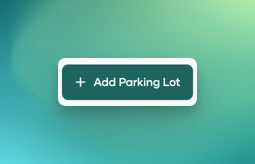
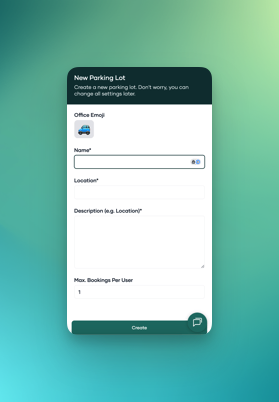
Set an emoji, name, location, description and the number of parking spots a user can book – then create.
The parking lot will appear under office spaces in the “Parking” section.
Click “Edit”
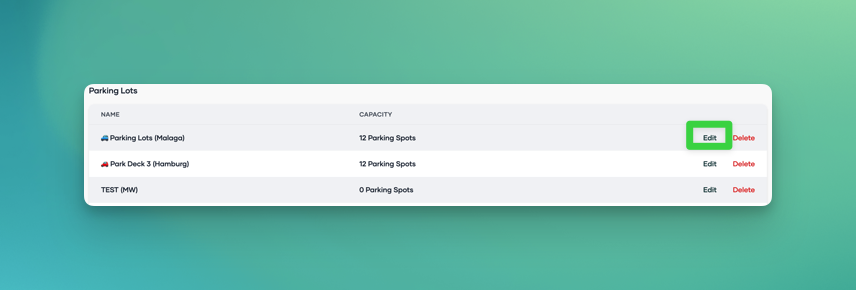
Go to "Edit floor plan" to design a layout and customize it just like desks:
🔹 Set Parking Spots
🔹 Set access restrictions for individuals or groups
🔹 Define areas and name parking spots
🔹 Add labels (e.g. “Large vehicle”, “EV charging”, etc.)
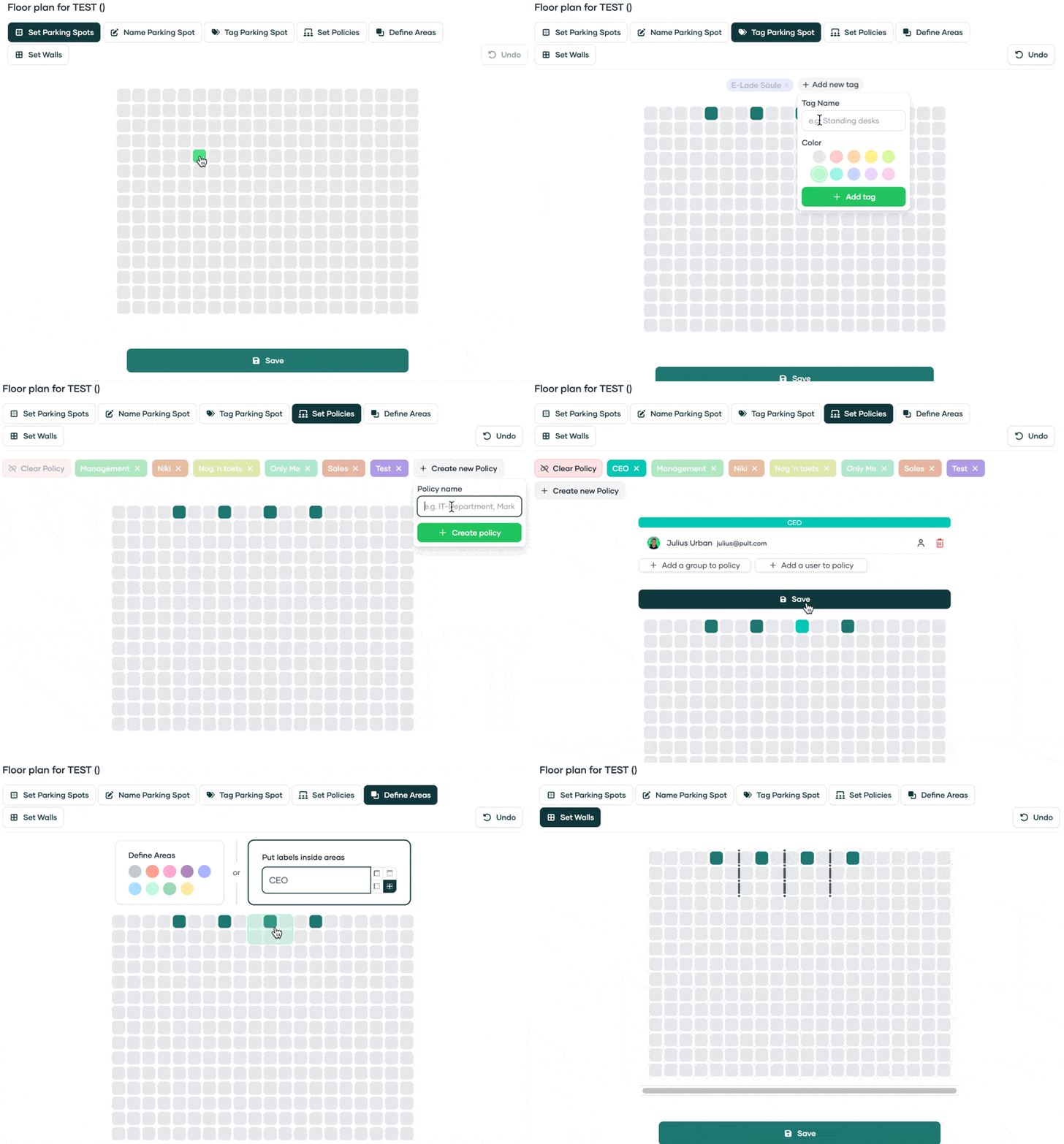
💾 Save
Parking Reports
At the bottom of the overview, parking reports can be exported as a CSV file.

Parking Availability Notification
If parking is limited, users can click the bell icon in the web app to get notified when a spot becomes available.
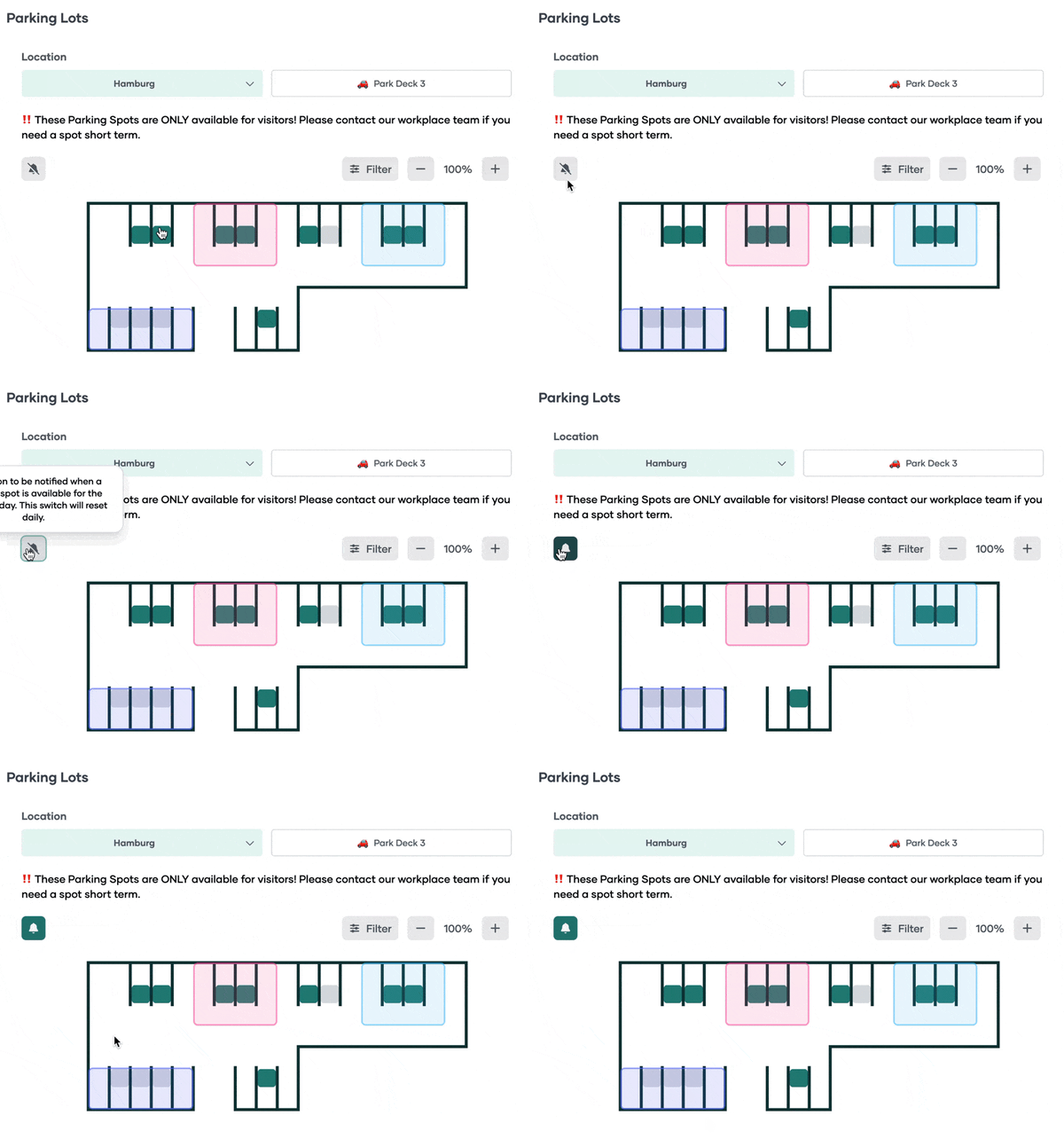
To enable this feature:
