Add welcome and check-in/out messages to flows for Visitors
Last updated: March 17, 2026
This article will show you how to set up welcome and check-in/out messages
Subscription required: Please note that the features below are only available with a Visitors Add-On subscription. Choose the plan that best suits your needs to gain access.
Greet your visitors with a welcome message and let them know that they've successfully completed their check in and check-out.
This article guides you through creating and managing welcome and check-in messages within your Pult flows.
Adding a welcome message
Sign in to the Pult dashboard and navigate to Kiosk/Flow Management in the Settings section. Click on Edit next to the flow you would like to edit and then on Welcome message:
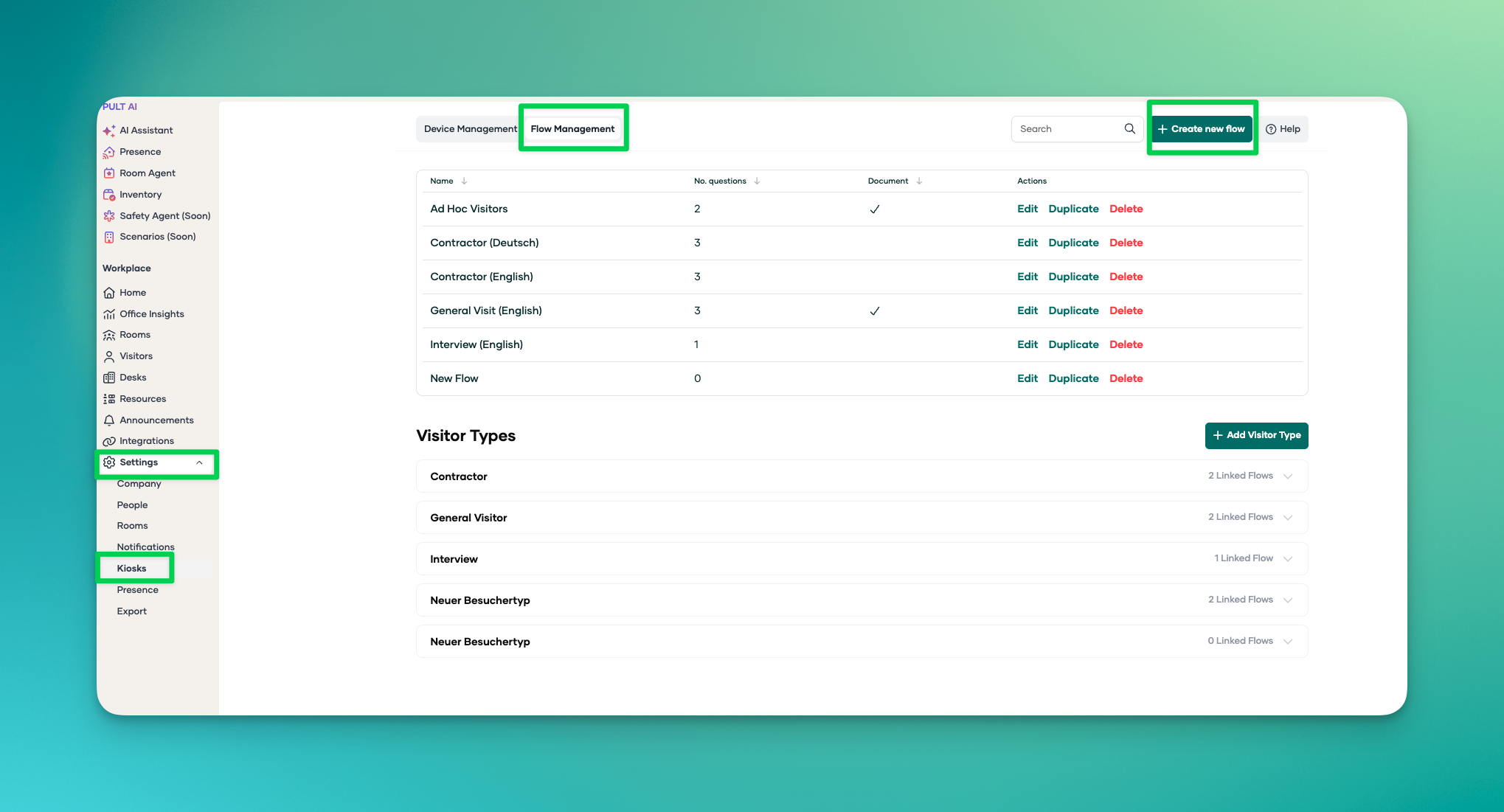
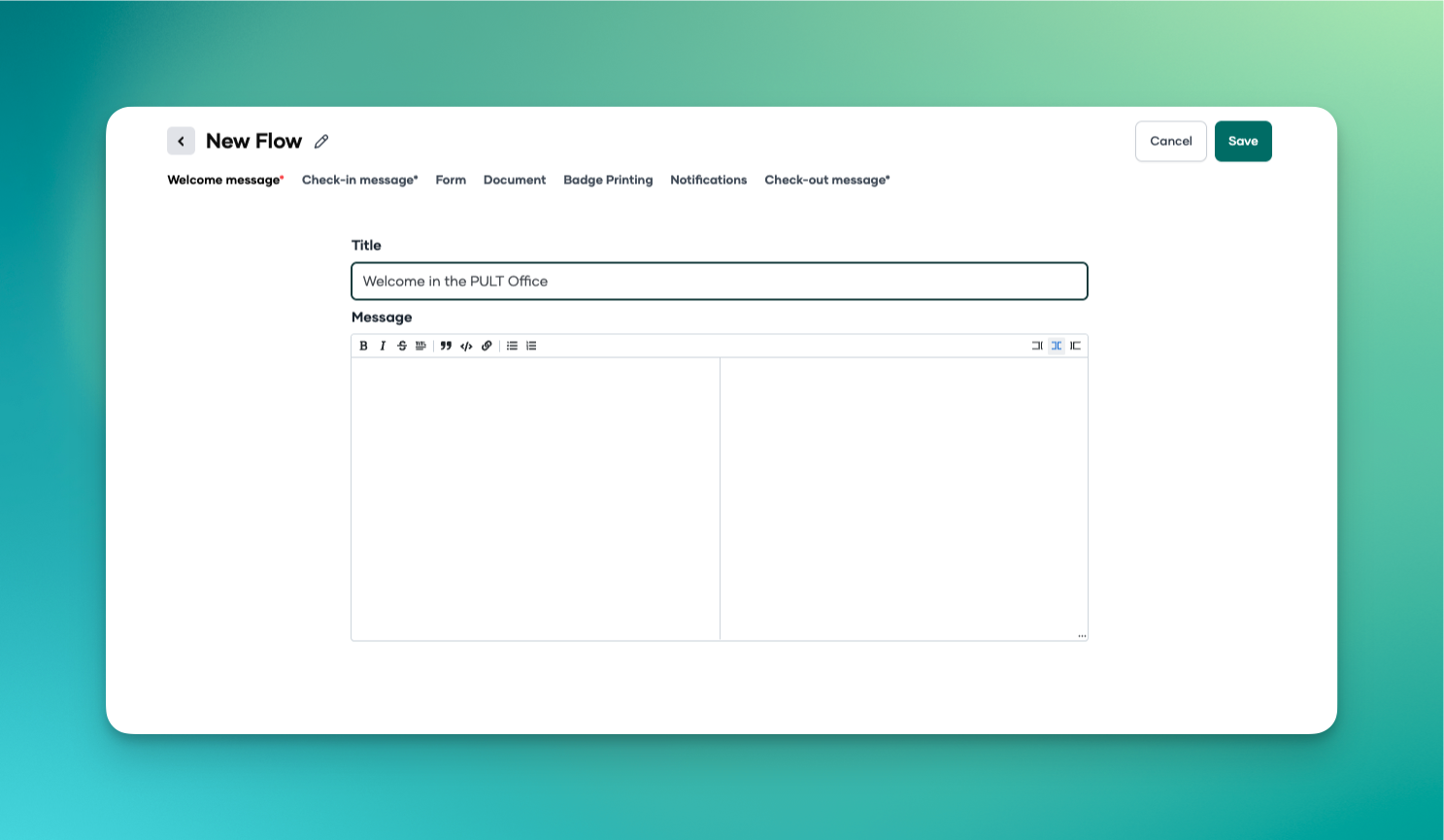
You can add a title and enter a message for your visitors. This message will be displayed when they start the check-in process.
Click on Save in the top right hand corner when you are done.
Adding a check-in message
In the Flow navigate to the Check-in Message section. Click on Edit next to the flow you would like to edit and then on Check-in message:
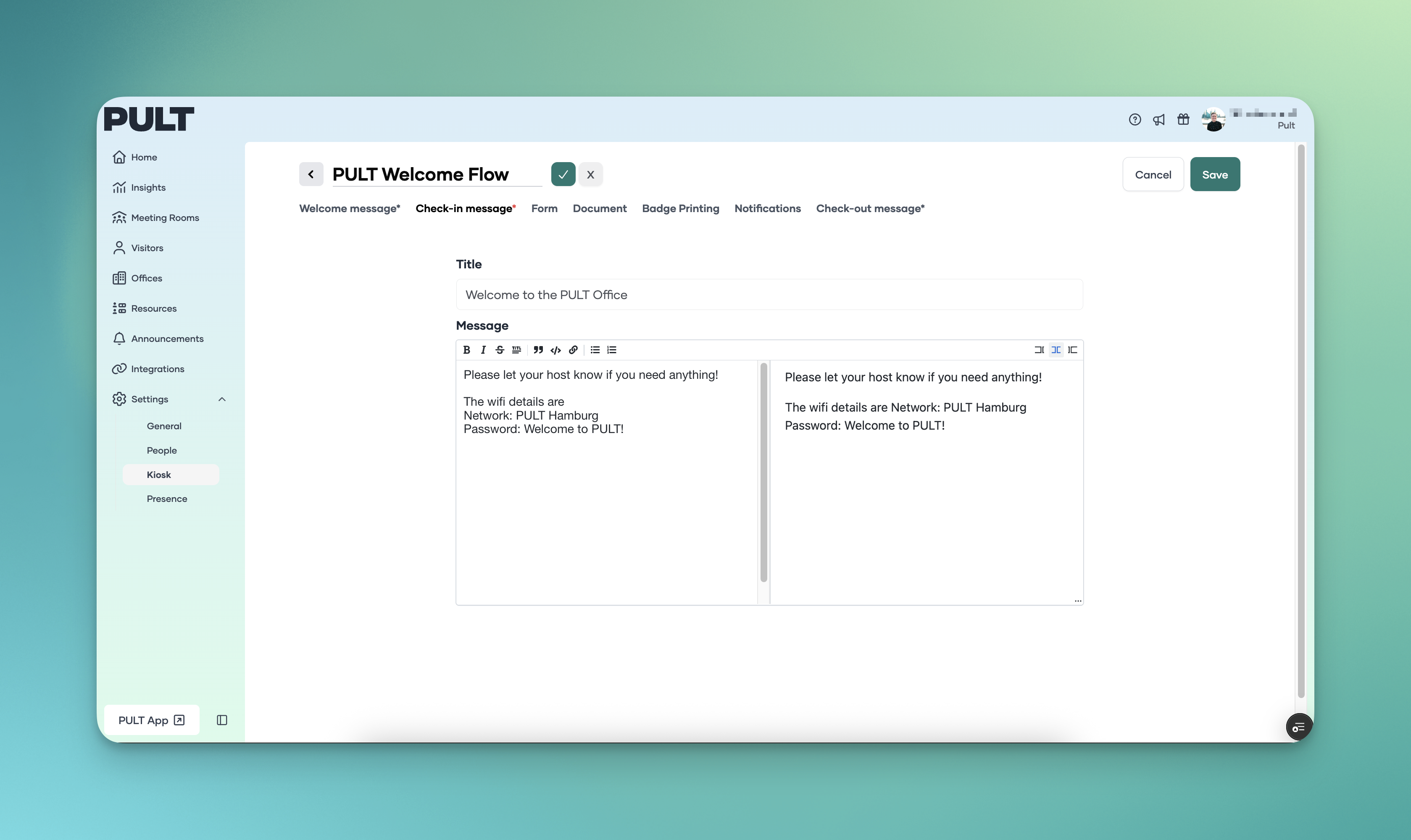
You can add a title and enter a message for your visitors. This message will be displayed when they complete the check-in process.
Click on Save in the top right hand corner when you are done.
Please contact our support team in case of questions or if you need assistance.
Adding a check-out message
Click on Check-out Message in the flow.
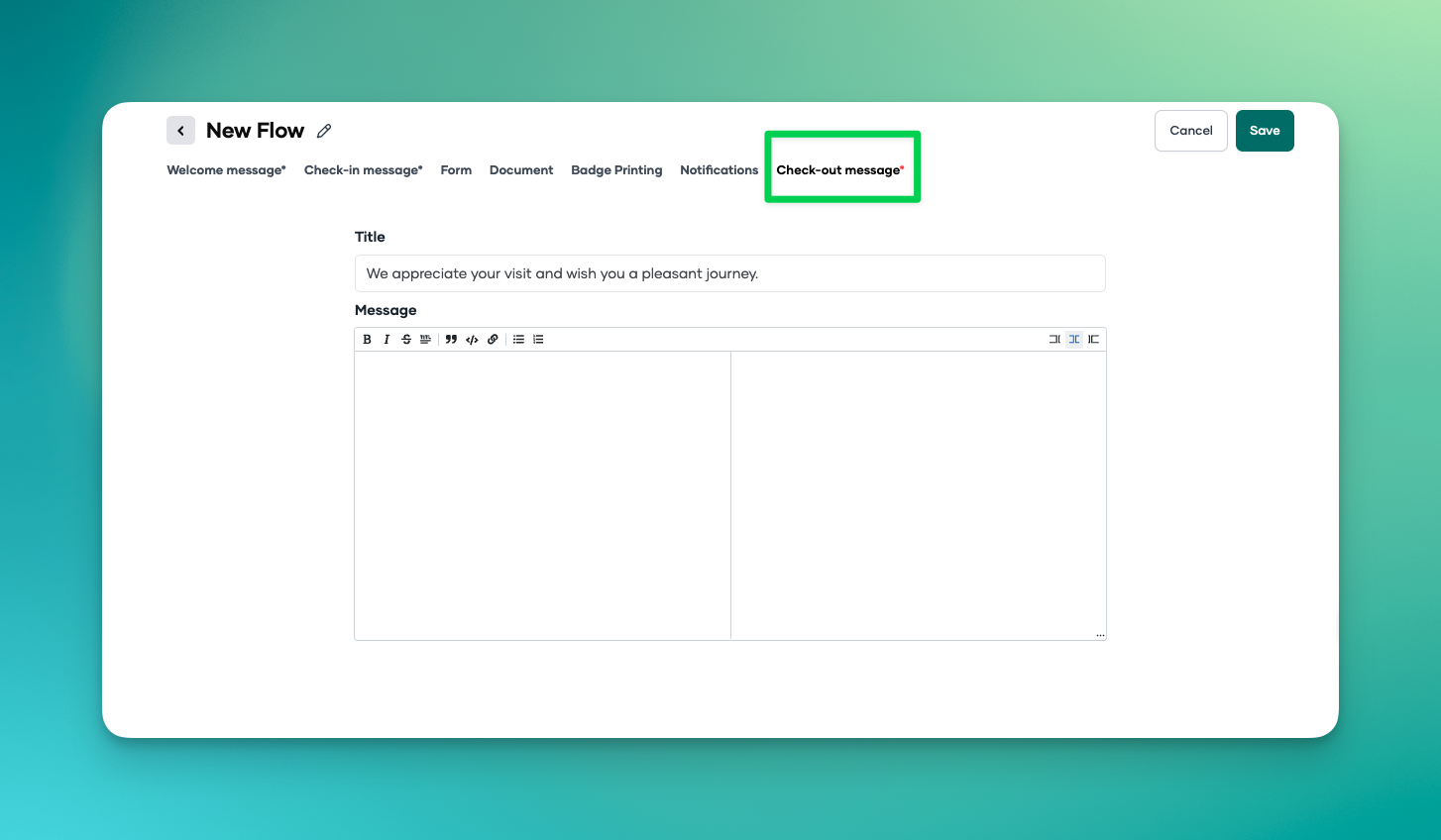
You can add a title here and write a message for your visitors. This message will be displayed when the visitor completes the check-out process.
Click Save in the top right corner when you're finished.